Type the change · keep the rest
AI photo editor: edit any photo by typing
Upload a photo and write what should change: 'make it night', 'put her in a red saree', 'replace the background with Goa beach'. Everything you don't mention stays as it was.
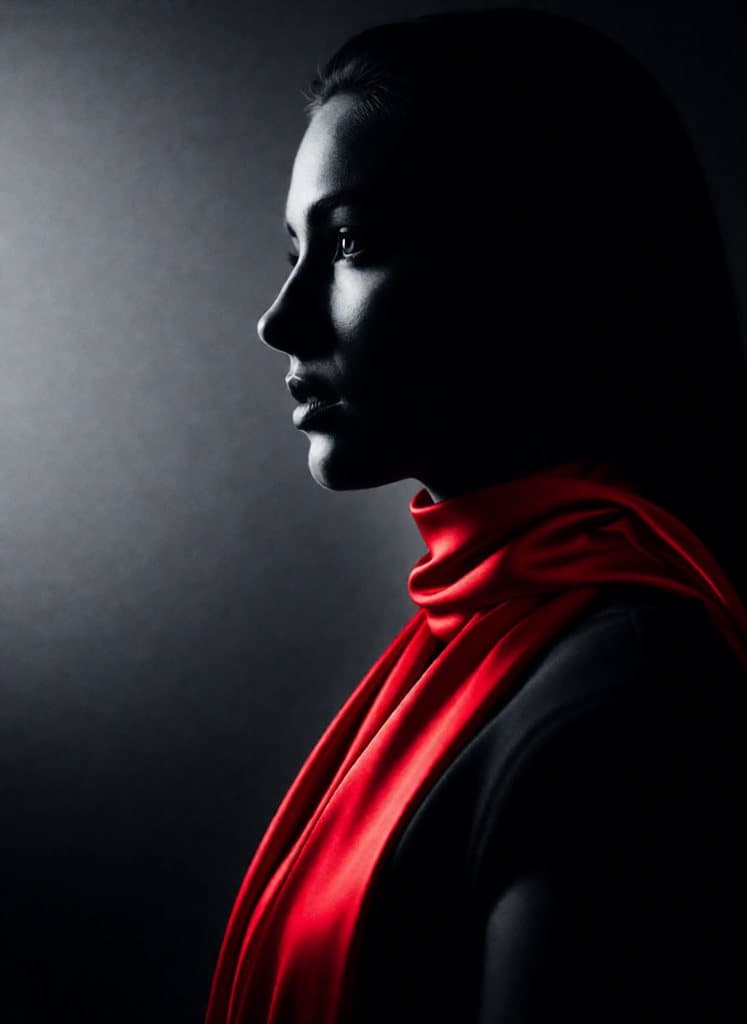
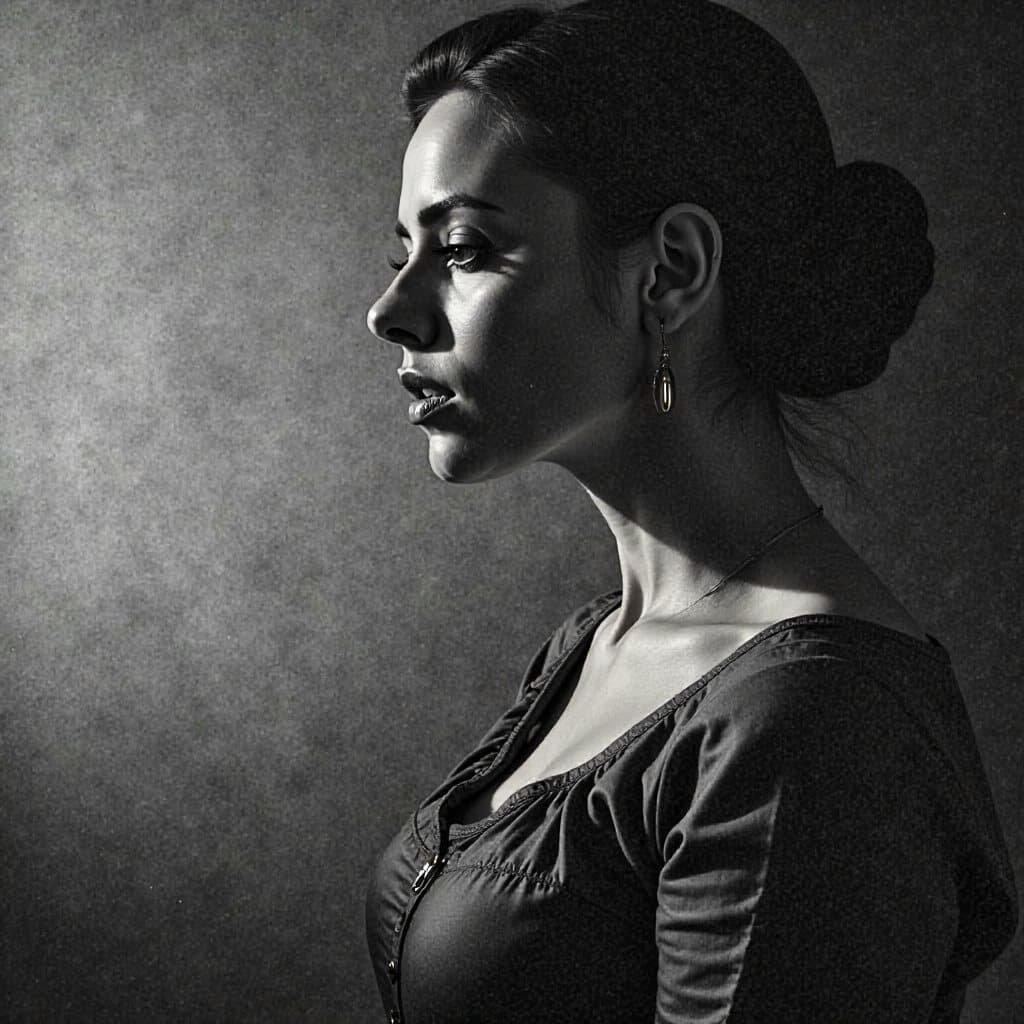
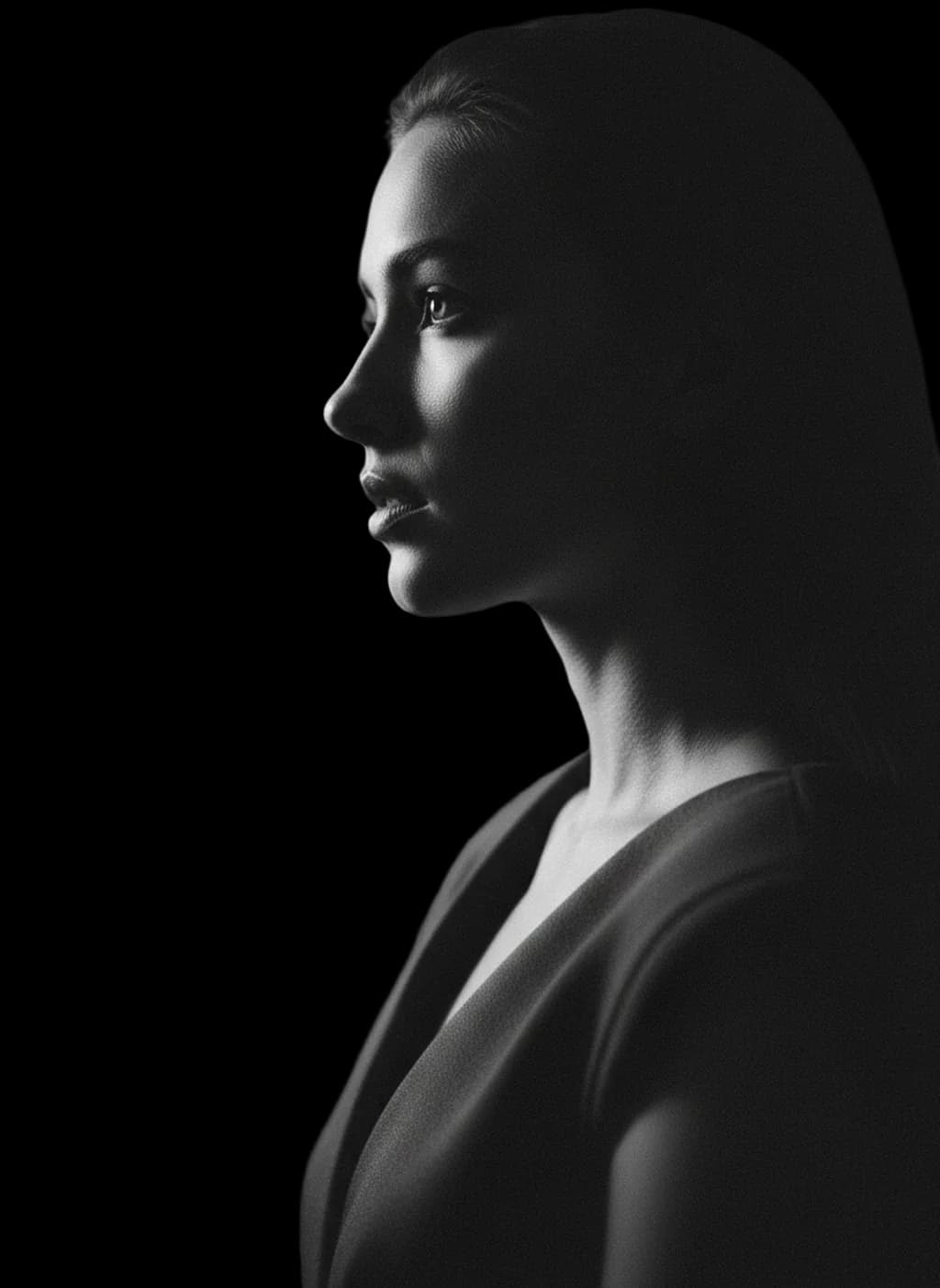

Why Re-Think
Edit by instruction
Two engines: FIBO rebuilds the scene naturally around the change, Qwen changes only what you name and keeps every other pixel.
Restyle
Turn a photo into a painting, a film still, anime or any look, with a slider for how far it goes.
Remove background
Clean cut-outs with transparent background in seconds, ready for thumbnails, stickers and product shots.
Upscale
Make small or blurry photos sharp and large enough to print.
How it works
- 1Sign in with Google: 10 free credits, one per edit.
- 2Tap the paperclip, attach your photo and choose Edit, Restyle, Upscale or Remove background.
- 3Type the change and press go. Edits are ready in about 15 to 40 seconds.
Questions
Will my face change when I edit a photo?
The editors are built to keep the person the same. Use the Qwen editor when you want only one thing to change and everything else to stay pixel-close.
Can I change the background of a photo?
Yes. Write 'replace the background with ...' and describe the new place, or use Remove background for a clean cut-out.
How much does an edit cost?
One credit per edit, the same as a new picture. New accounts get 10 free; 60 more cost Rs 99.
Can I edit someone else's photo?
Only photos you have the right to use. Editing real people without their consent, especially into intimate images, is not allowed and is illegal in India.
Try it free
10 free images when you sign in, no card. Then Rs 99 for 60 more, by UPI. See all plans
More from Re-Think
- Uncensored AI image generator
- AI video generator: 10-second videos from one line
- AI photos of yourself from one selfie
- Free AI image generator: 10 images, no card
- AI se photo kaise banaye (free mein)
- NSFW AI image generator for adults
- AI saree photo generator
- AI photo prompts that actually work
- A Midjourney alternative without the filter